Immich
Immich - a self hosted alternative to Google Photos.

Immich is a fantastic self hosted alternative to Google Photos. Ever since it came out of beta in September 2025, I've been meaning to give it a try and put it through its paces.
Deployment
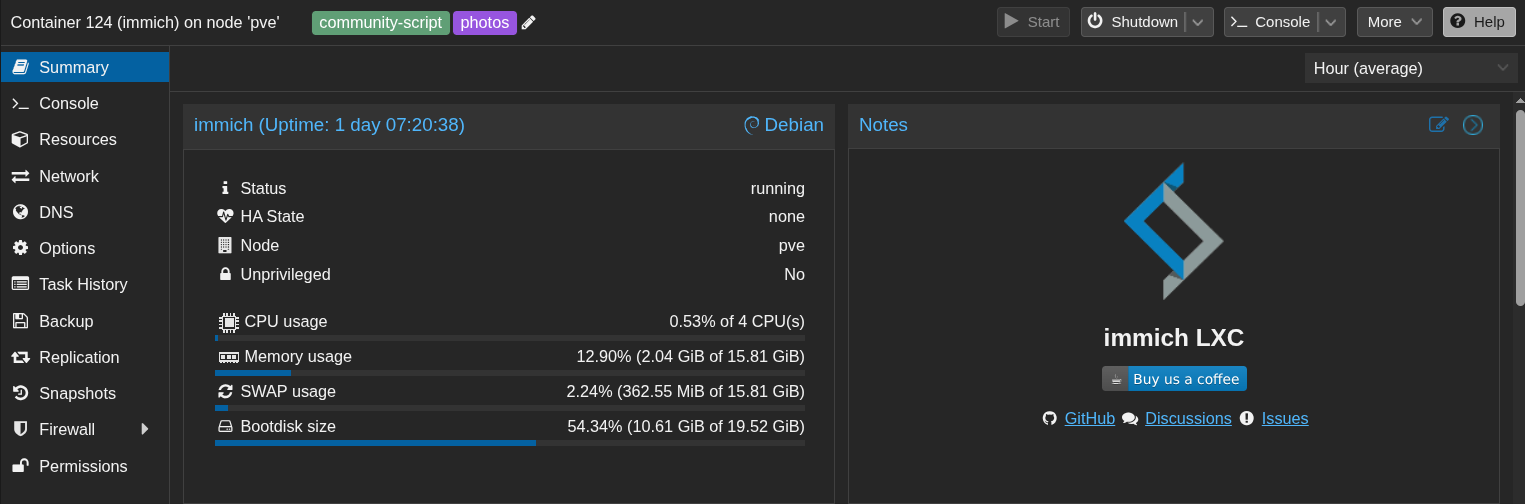
The way I've deployed this is using a Proxmox container with the assistance of a helper script. This method doesn't use the recommended docker compose deployment.
I made it an unprivileged container (so that I can mount a samba/cifs share in). I gave it 16GB of RAM and SWAP, 20GB of storage and 4 CPUs. The script utilises the Debian 13 container template. During Proxmox configuration, I installed OpenVINO dependencies for machine learning.
Adjustments to the default configuration
My Immich Proxmox container has been configured slightly differently.
- I've auto-mounted on boot a samba share containing my existing photos to /mnt/photos of the container.
- I've created a folder within /mnt/photos called 'immich', with the same directory structure as /opt/immich/upload. This will allow all new uploaded photos to be placed into the samba share.
- In order to write to this share, I've changed immich-web.service and immich-ml.service to run as user=root, group=root.
- I've modified /opt/immich/.env to change the upload location to /mnt/photos/immich
- In the WebUI, I had to create an exclusion pattern: **/immich/** . This ensures that anything in that immich folder doesn't get doubled scanned.
Usage
Once all my configuration changes were complete, I was ready to start scanning the existing library I had mounted from my samba share. That process took a good 8 hours and pegged my CPU at 100% the entire time. I had some 16,000 photos/videos - 180GB of data to process. It went very well, imported everything in and even identified duplicates and suggested which ones to keep and which to trash.
In terms of new photos going forward, the Immich mobile app and web interface are extremely quick and easy to upload to the server with.
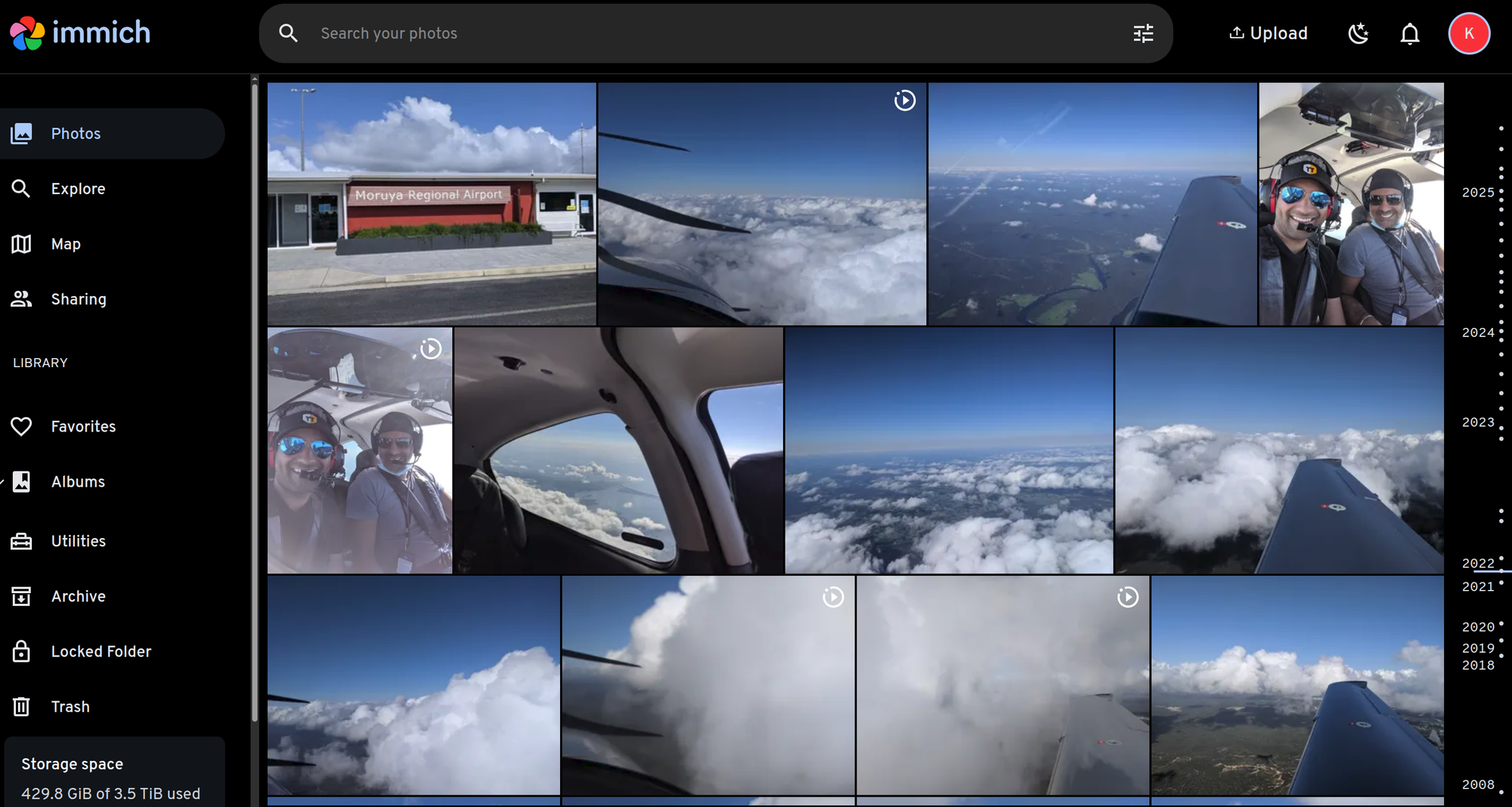
The web interface is easy to navigate, has great features to explore and is rock solid and stable.
Features
I'm really enjoying the features of this software. Here are my favourites.
- Facial recognition - does a great job of tagging and merging faces
- Adding metadata to photos - names, birth dates, descriptions, locations etc
- Places - takes the GPS metadata and sorts it my place
- Map - takes the GPS metadata and puts in on a map
- Importing an external library - imports an existing folder of photos into Immich for viewing.
Conclusion
My wife and I have completely migrated over to Immich as our photo management tool. The uploading is quick and easy from phones, the data and metadata stays on my server and is private and the user interface is very slick.
I'm very keen to become a supporter, but I would prefer to donate in Bitcoin, which I can't see listed as an option. Shame.