3D Printing
An overview of my foray into the world of 3D printing.

In a very short amount of time I have learnt a fair bit when it comes to 3D printing. Here's the journey thus far.
3D Printer Selection
There are an array of printers on the market, but a friend quickly summarised it for me from the beginning.
I put a significant amount of time into researching which printer to get, to the point of analysis paralysis. I ultimately landed on the Bambu Lab X2D, but to get to that point, I watched hours of videos, listened to podcasts, and read plenty of reviews and comments on various forums.
I ordered the Bambu Lab X2D initially, read more into it, cancelled the order, read further into it, then finally pulled the trigger.
Here are some thoughts that weighed on my mind.
- Being a complete beginner, I wanted a positive first experience in 3D printing. I've heard of 3D printing being somewhat of a tinkerer's hobby, setting up, calibrating, experimenting etc. I didn't want any of that. I wanted "plug and play". The ability to slice a model, hit print and end up with a suitable finish.
- A well established network effect. Plenty of models that would support my printer. A large community of others who use the same product. Lots of comments, videos, blogs and information to sift through. People sharing tips, tricks, hints etc. A company that wasn't going to go out of business and had good support.
- I wanted documentation. Given this was my first time, I wanted good (ideally video) guides for setting up, printing and maintaining my machine. I'm a big fan of RTFM.
- An acceptable price point. I don't want to invest too heavily into this because I don't know if 3D printing would be of any long term interest to me.
- I wanted to support a company that was pro open source, didn't keep things locked down and hidden away. A company that contributed back to the community.
I looked at many other companies and printer models, carefully deliberating on each.
- Snapmaker U1
- Prusa CORE One+
- Qidi Plus4
- Elegoo Centauri Carbon 2
I finally landed on the Bambu Lab X2D. It ticked all of the boxes except the last one. More on this later.
Bambu Lab X2D
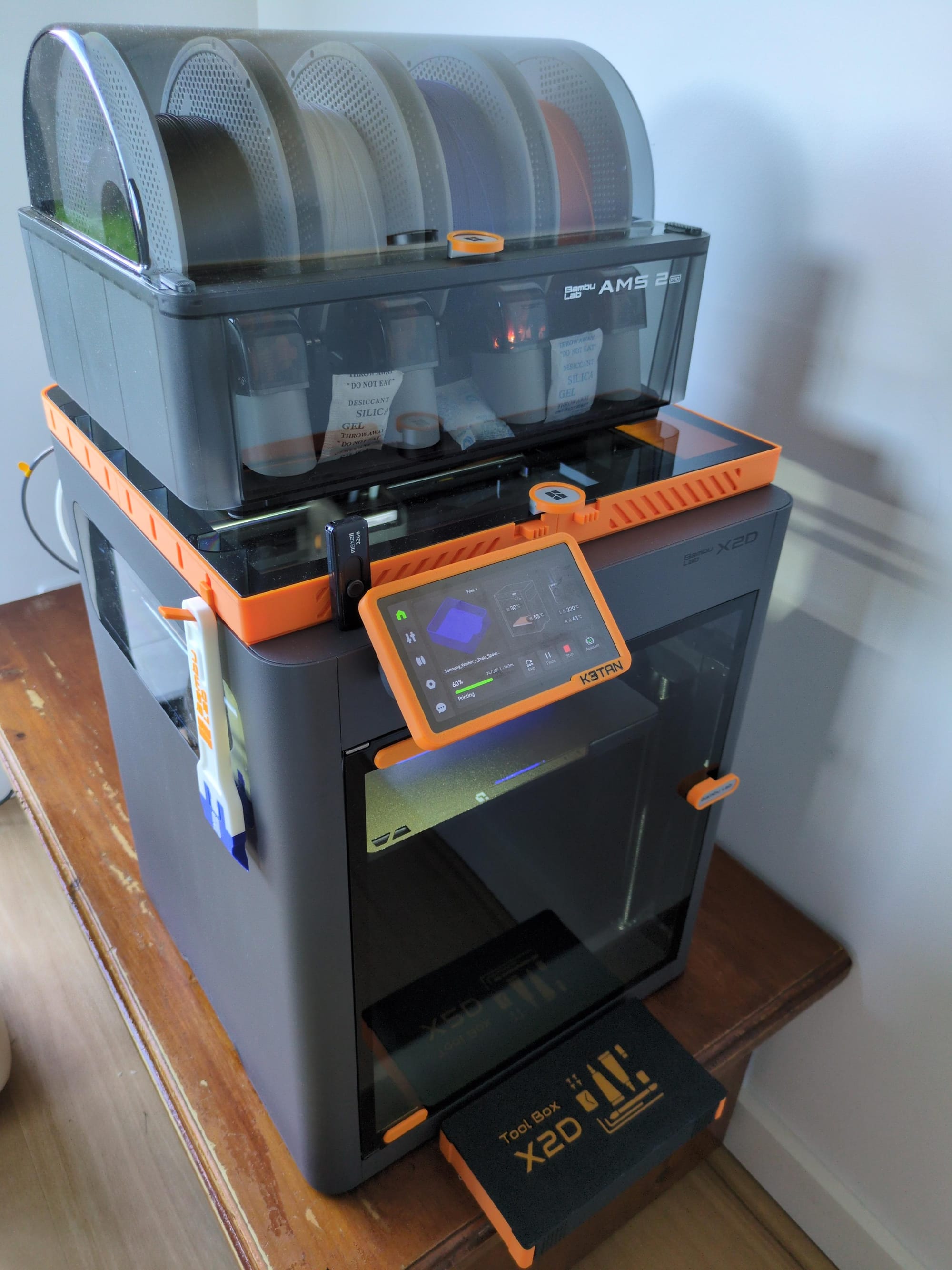
I ordered the X2D Combo, which comes with an AMS Pro 2. I chose 4 colours of filament - black, white, blue and pumpkin orange. All up this was just over $1,400AUD. The printer model has only been out for a month and half. Reviews on it were mixed but overall mostly positive.
In preparation for the arrival of the printer, I realised I had no where sturdy to put it. I jumped on facebook marketplace and found someone giving away an ideal sized coffee table at an address very close by. I went and picked it up.
Delivery of the X2D was very quick. Ordered it on 24th May, it was on my doorstep on 26th May.
I've had the Bambu Lab X2D for a week now and my first impressions have been very positive. The setup video guides are fantastic and easy to follow along. It had a good level of detail, and I found them extremely helpful.
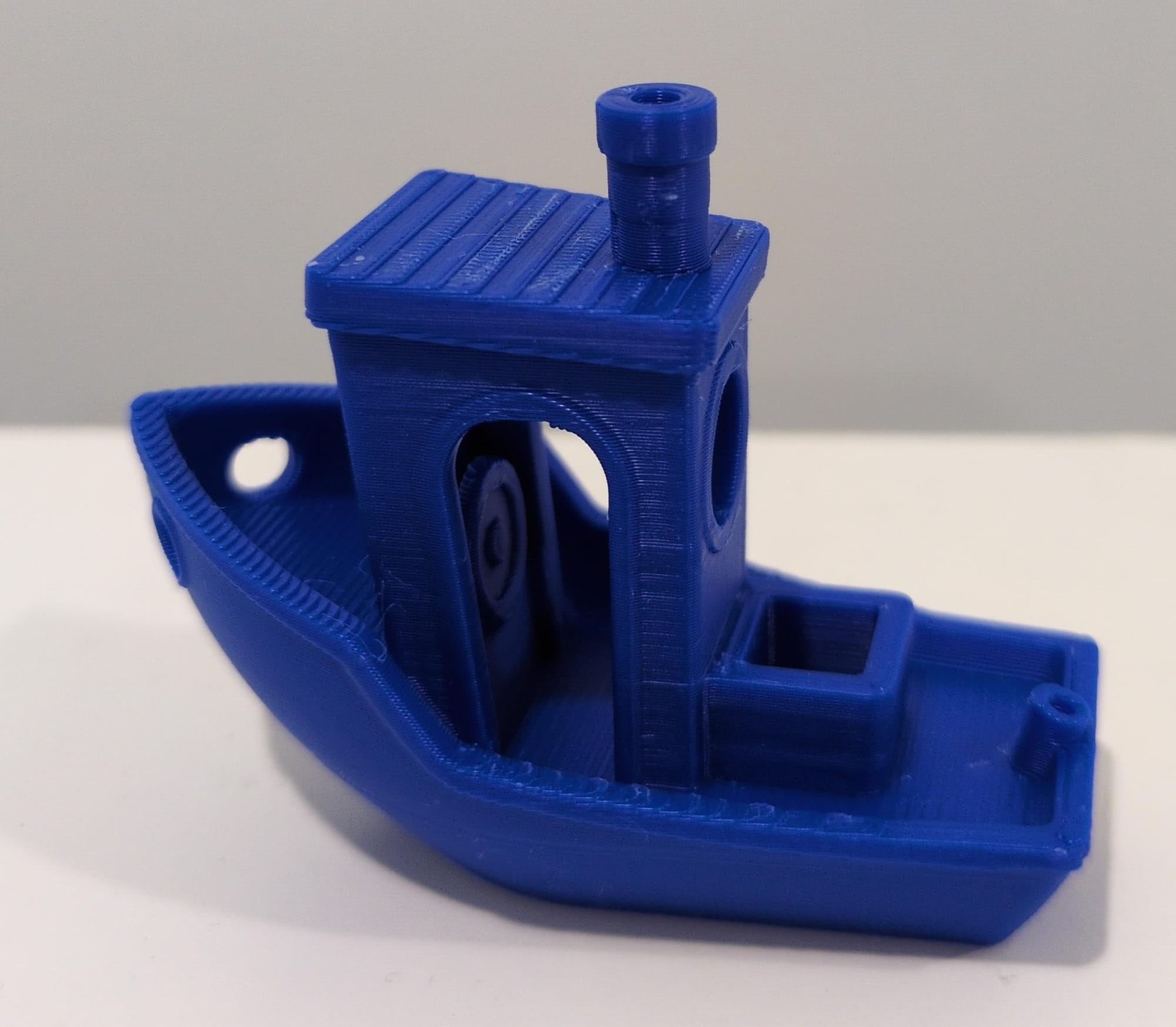
After setting up all the equipment, I waited 30 minutes for the calibration process and kicked off my first print. It was a complete success. It was a 3D Benchy in blue. High quality print, very happy with it. No failures, no warping, no spaghetti. Just a impressively printed blue boat. I couldn't believe how easy it was.
Verdict on the X2D
Based on the criteria that was important to me, the X2D has delivered on most.
As a complete beginner to 3D printing, I was able to go up the learning curve quickly thanks to Bambu Lab's great engineering and documentation. Understanding part names, processes, software and functions has been keeping my mind active. I'm happy with the "plug and play" experience I was looking for. I found the videos and comments about the printer very helpful, picking up tips and tricks along the way. The guides that are available, created by Bambu Lab, are extremely detailed and helpful. I'm pretty happy with the price I paid for what I received.
The only thing I'm not happy about is Bambu Lab's hostility towards open source. The firmware for the printer is completely closed source. This weighed on my mind heavily before I purchased the product. Bambu Lab is in hot water with the community at the moment after sending a "cease and desist" letter to an open source developer who brought back functionality to people's printers that Bambu Lab had taken away. They've also allegedly violated AGPLv3. There's a fair bit of controversy surrounding this, which has been well documented on various forums and by YouTube personalities and has been addressed by Bambu Lab themselves.
Printing without Bambu Lab's servers
Whilst the firmware on the printer is closed source, I have gone down the path of avoiding reliance on Bambu Lab's servers.
On the printer itself, I have enabled "LAN only mode" and "Developer mode". Here is a description of what these two functions do, as summarised by AI.
LAN Only Mode
When enabled, the printer communicates only on your local network and stops using Bambu's cloud services.
What you gain
- Printing and monitoring over your local network.
- Better privacy (print jobs don't go through Bambu's cloud).
- Continued operation even if cloud services are unavailable.
What you lose
- The Bambu Handy mobile app.
- Cloud-based remote access and cloud features.
- Account-based printer management.
For most home users, LAN Only Mode is mainly useful if you:
- Prefer privacy.
- Want your printer isolated from the internet.
- Use local control software such as OrcaSlicer, print farm software, or third-party integrations.
Developer Mode
Developer Mode only appears after LAN Only Mode is enabled.
It unlocks the printer's local APIs and communication interfaces so third-party software can fully control the printer.
Without Developer Mode
- Third-party tools generally have limited or read-only access.
- You can monitor status, camera, temperatures, etc., but control is restricted.
With Developer Mode
- Full printer control over the LAN.
- Upload G-code/3MF files.
- Start, pause, and cancel prints.
- Integration with tools like Bambuddy, OctoEverywhere, SimplyPrint, Panda Touch, custom software, and other automation systems.
I did a quick and dirty analysis using my router after enabling these two functions. I didn't find outgoing connections from the printer's IP to IP addresses that I would not expect. LAN only mode appeared to be working as expected.
The unfortunate reality is that these two functions are entirely available to customers only by the good graces of Bambu Lab. A firmware update could render these functions obsolete and there's little likelihood of reverting back, as the firmware is closed source and can't be forked or modified. This is a real risk from Bambu Lab gatekeeping its ecosystem. As of today, it is not possible to install third party firmware on the Bambu Lab X2D. More details about their stance on custom firmware can be found in the links below.
 Spaghetti Monster
 Spaghetti Monster
My printing workflow
I am fine with not being able to use Bambu Handy mobile app. I've never used it, probably never will. I don't want to use their cloud service and I don't want to connect to their servers for remote connectivity.
I did have a play around with Bambu Studio on the desktop which was fine, but it has an optional Bambu networking plugin, which is proprietary software (which is another point of contention from the open source community).
I found a way to use purely open source software to run my printing workflow. Bambu Studio is a fork of OrcaSlicer, a software that provides your printer with code on how and what to print. The X2D isn't supported in the official release of OrcaSlicer (as of May 2026), but it is in the nightly version. I downloaded and installed the nightly version and the X2D was an available printer option that could be selected.
Instead of hitting 'Print plate' and sending that file to the printer using Bambu's networking plugin, I instead opt to "export plate sliced file", which outputs a .gcode.3mf file.
I suppose I could do this on Bambu Studio as well (and not install the networking plugin), but I think I'll stick to OrcaSlicer for now. I haven't really had any issues with OrcaSlicer, but if there are compatibility issues for certain files, I will use Bambu Studio as a backup. My first preference will be to use OrcaSlicer.
This .gcode.3mf file is then uploaded to my self hosted instance of Bambuddy (a command centre for Bambu Lab), which is connected to the printer and prints the job. I run it as a container on Proxmox using the community script.
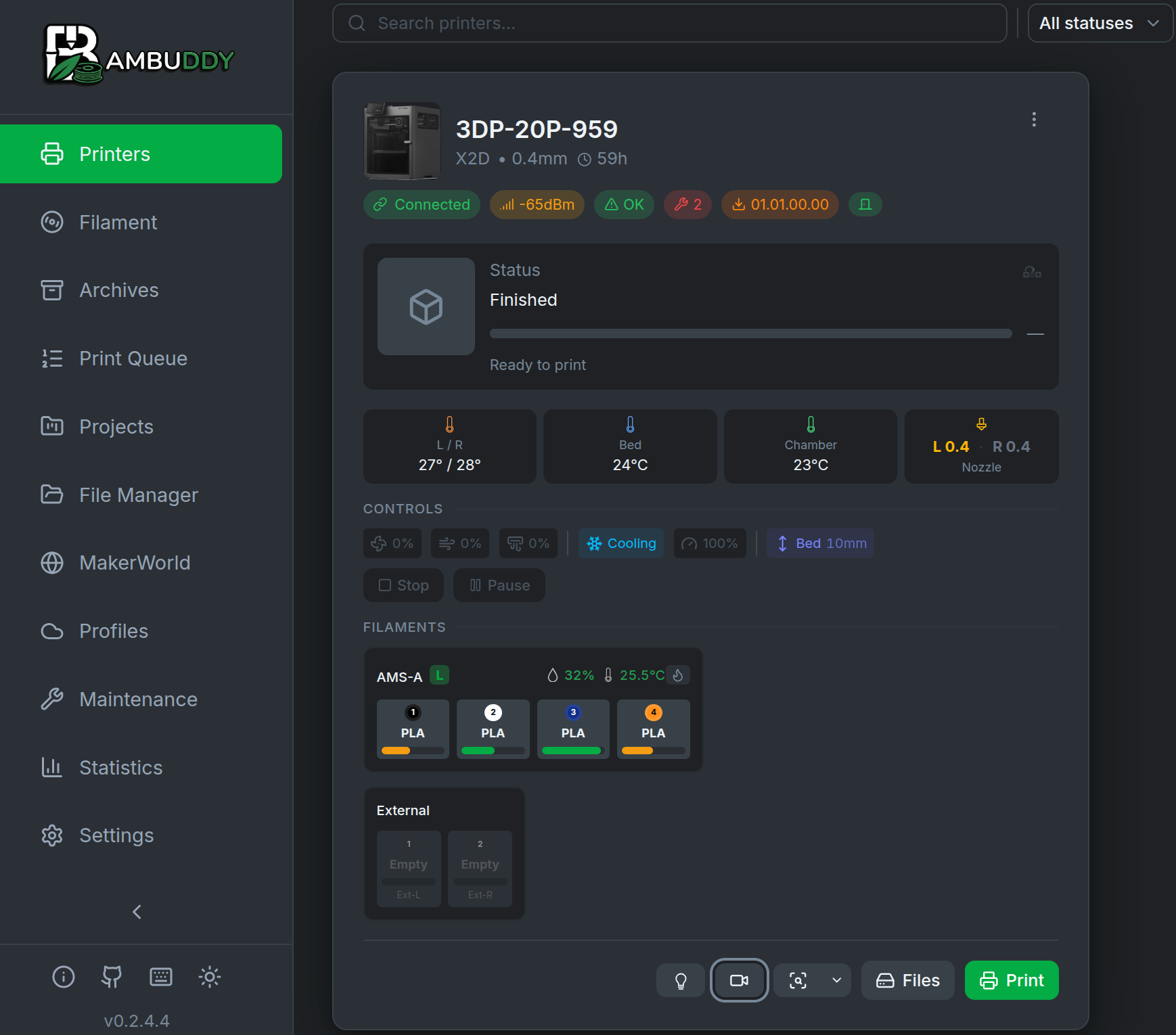
Bambuddy is a web interface that allows the printing of .gcode.3mf files, see the status of the printer, highlights any maintenance that needs to be carried out, sets up push notifications, sets up a print queues and archive, usage statistics etc. It shows a live feed of the camera and toggles the chamber lights on and off. This is a progressive web app (PWA) so it works great on mobile as well as desktop. It is the replacement to Bambu Handy mobile app. It works remotely, since I can access any service on my network through a wireguard tunnel setup on my router.
My prints
I've racked up almost 60 hours of print time on this 3D printer in the week that I've had it. Here's what I've been busy printing.
3D Benchy
This was my first print.
X2D accessories
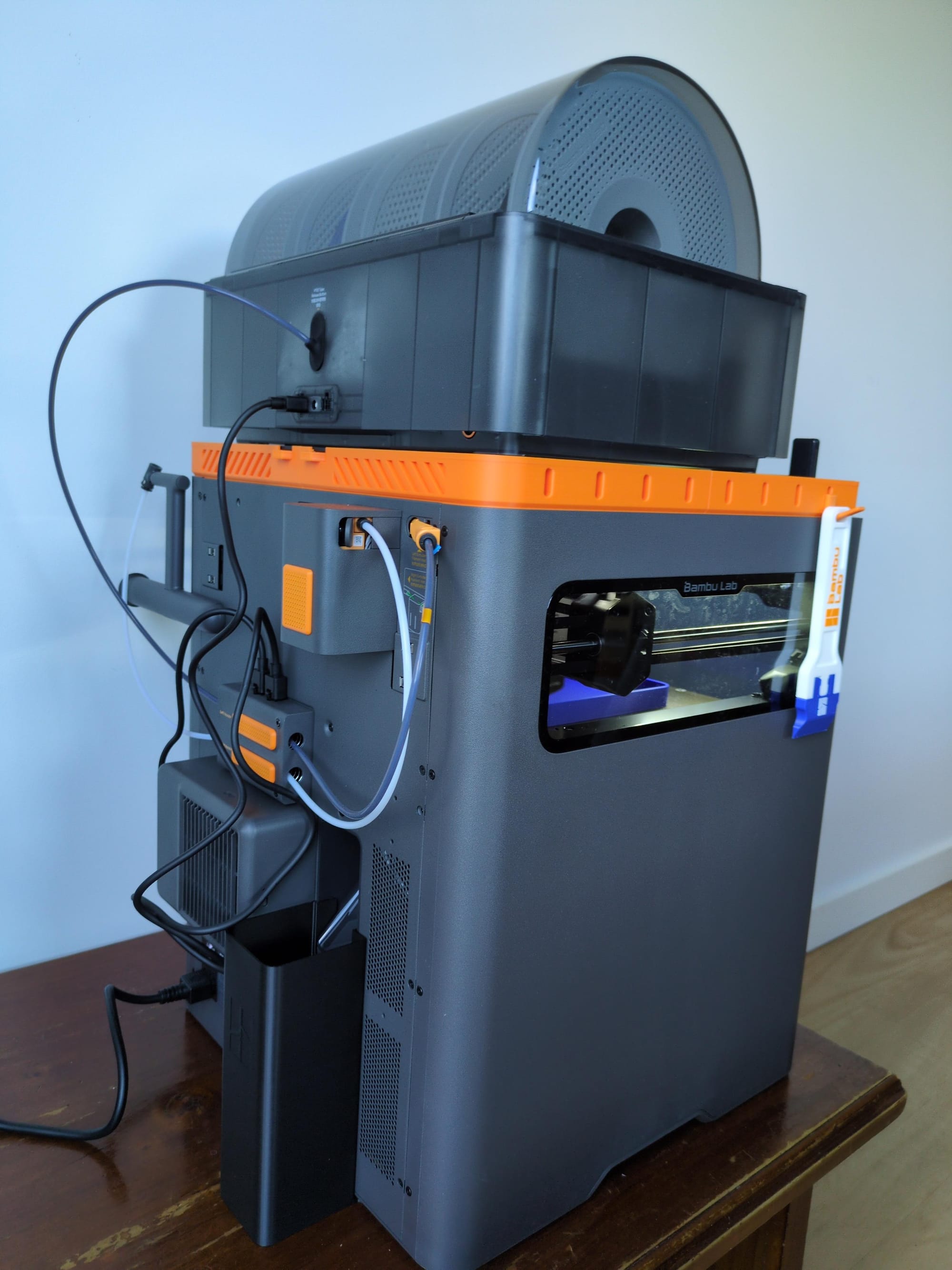
- Riser
- Scraper tool
- Custom screen frame
- X2D Toolbox
- X2D Poop bin
Miscellaneous prints
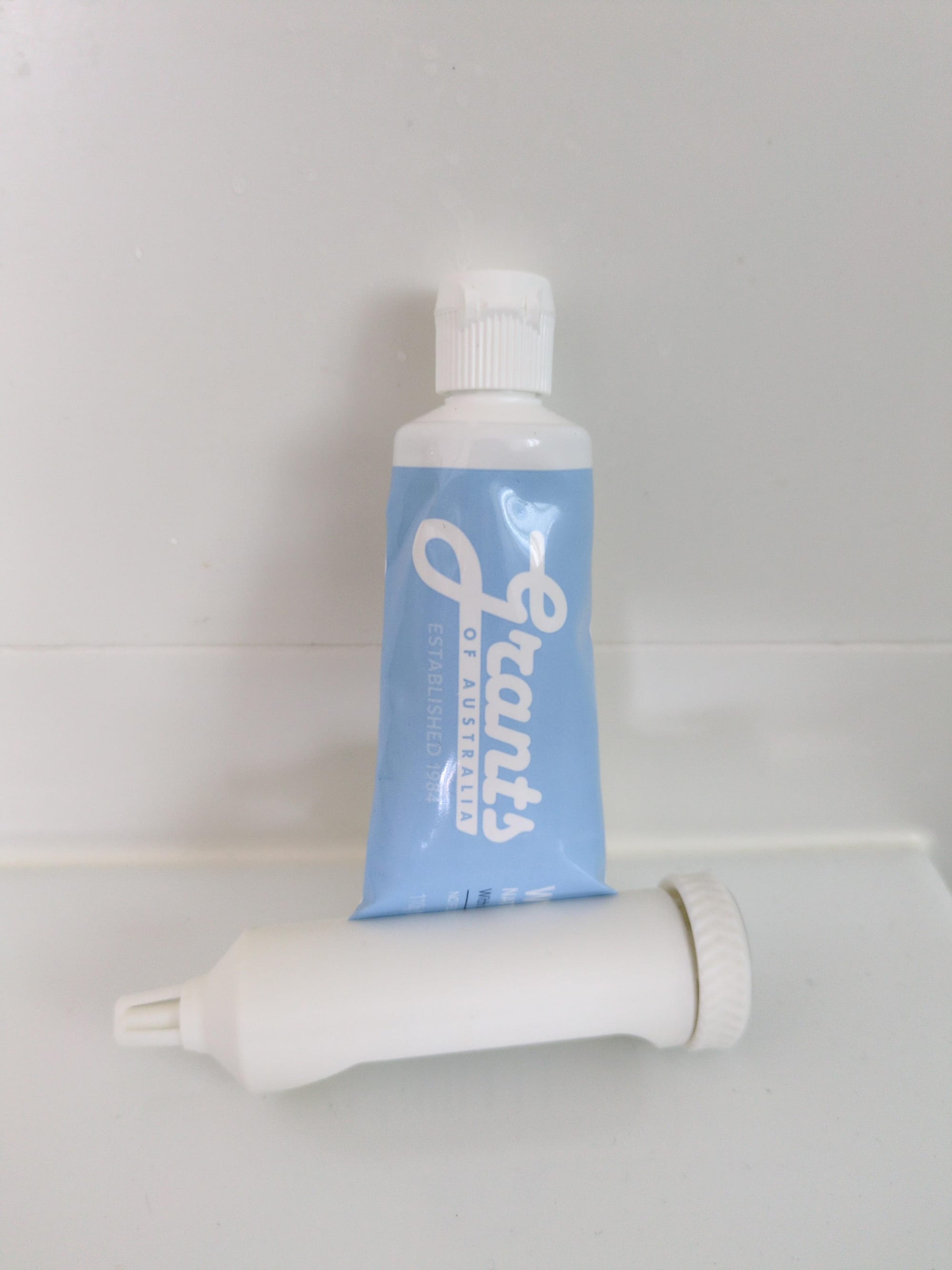
- Toothpaste tube squeezer
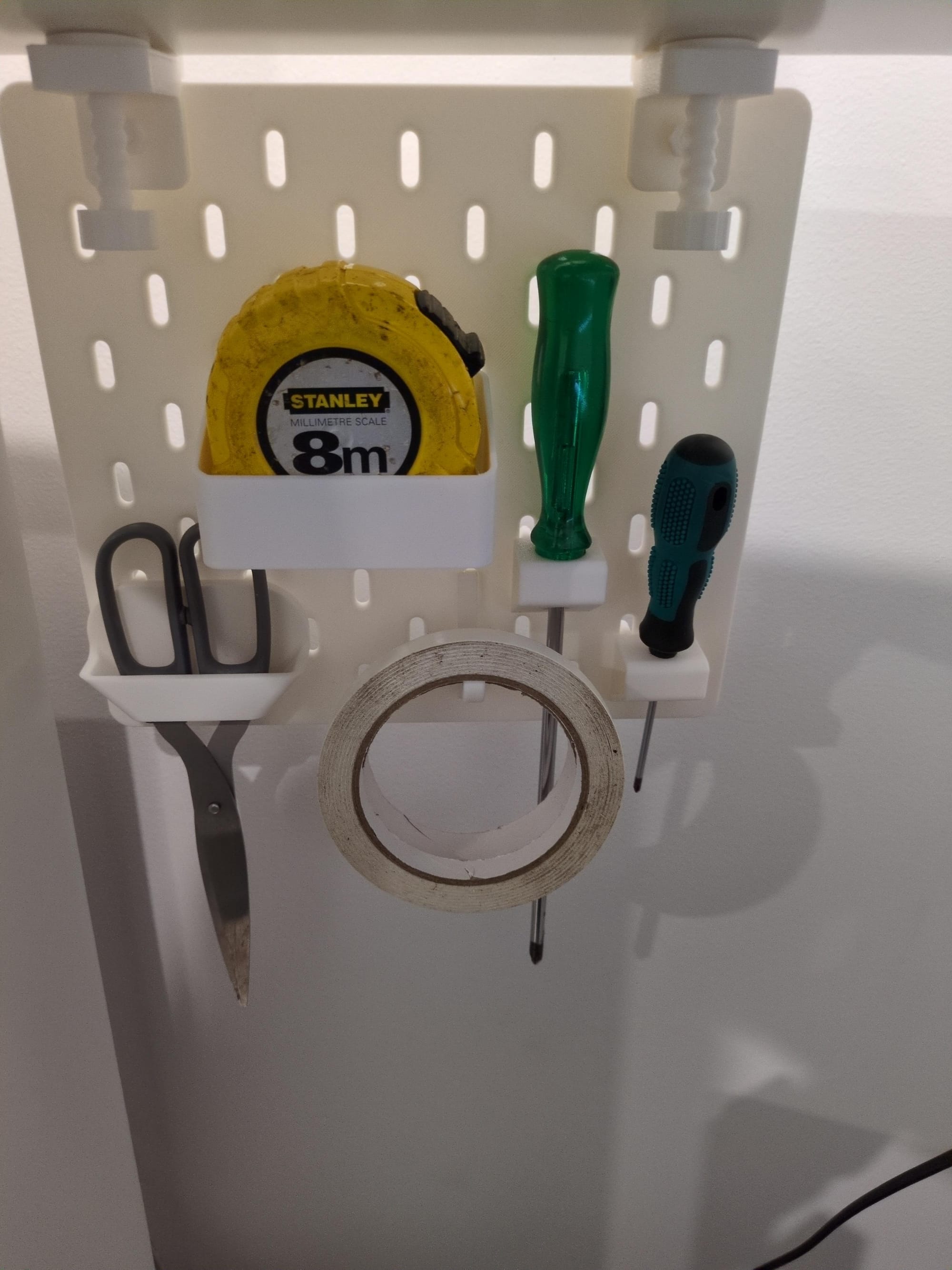
- Skadis board
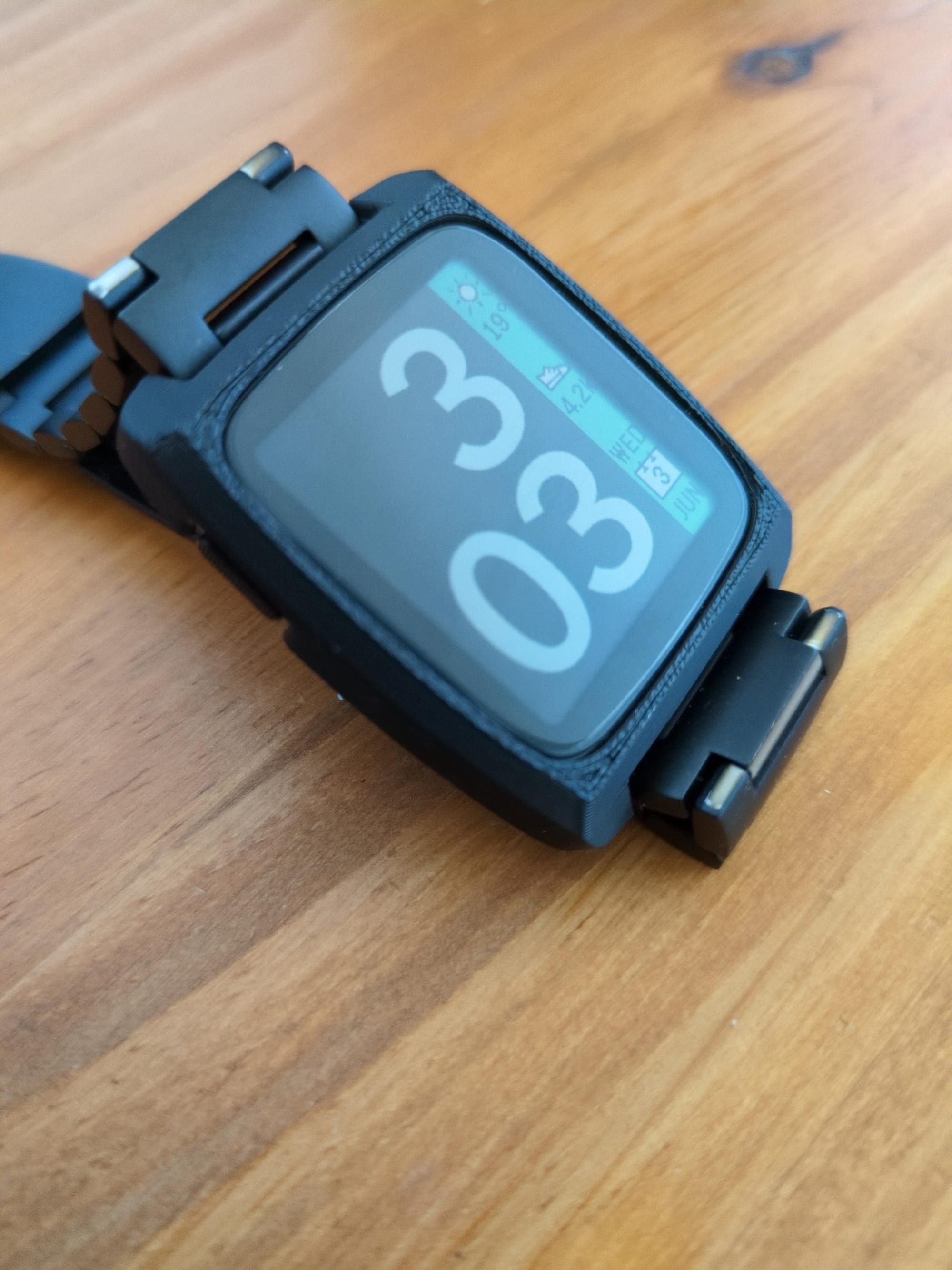
- Pebble Time 2 watch bumper case
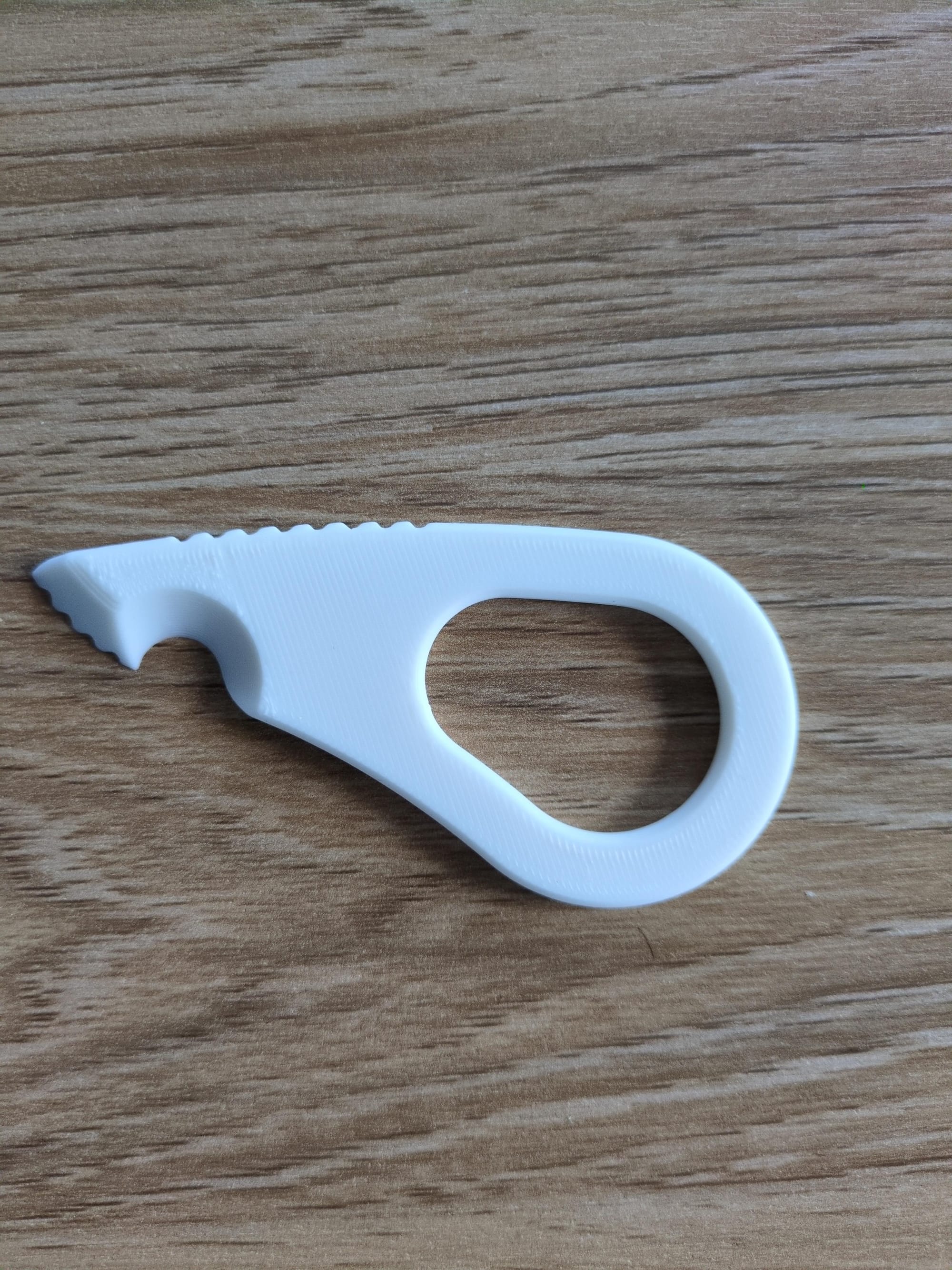
- Parcel opener
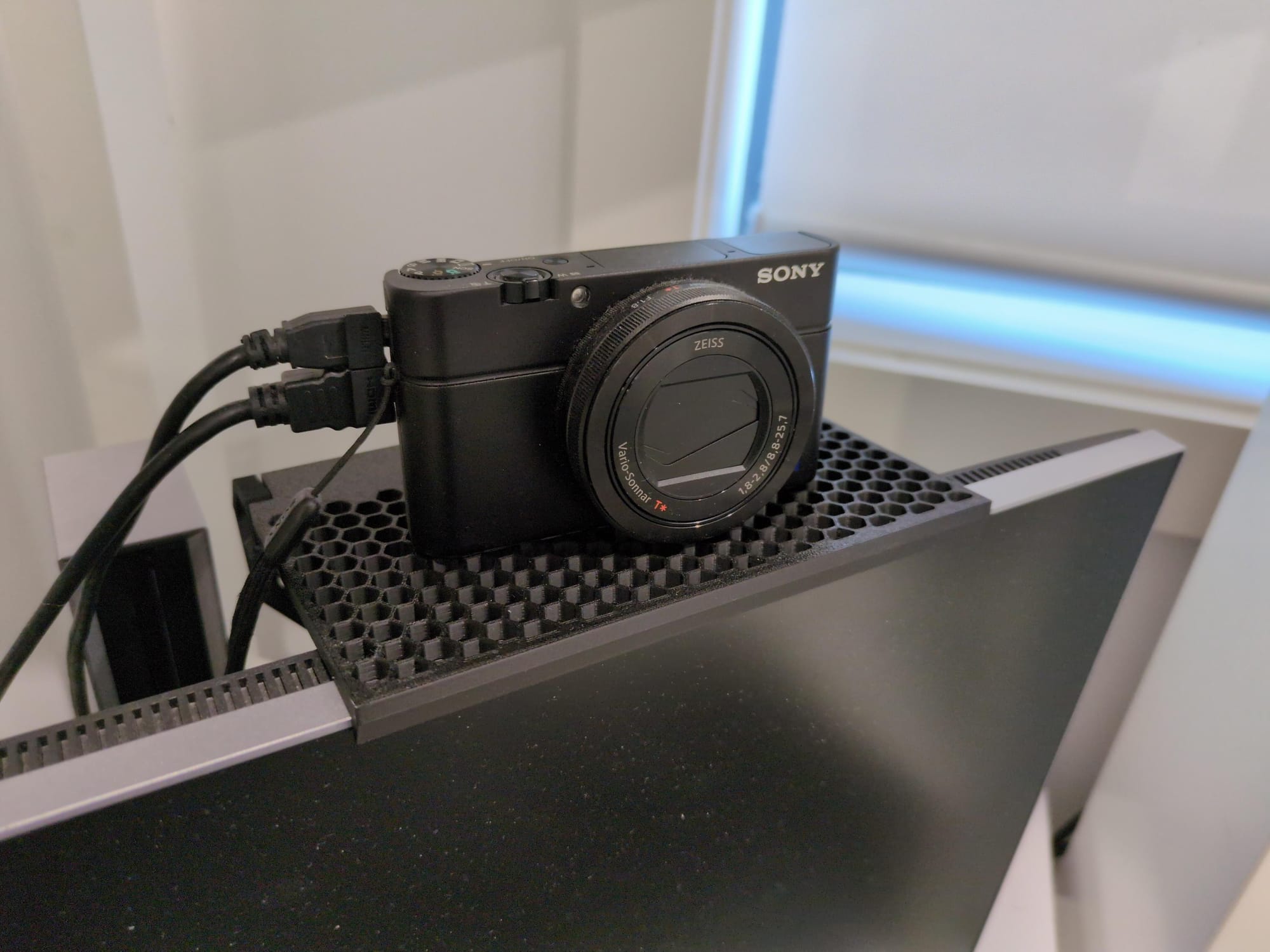
- Monitor shelf
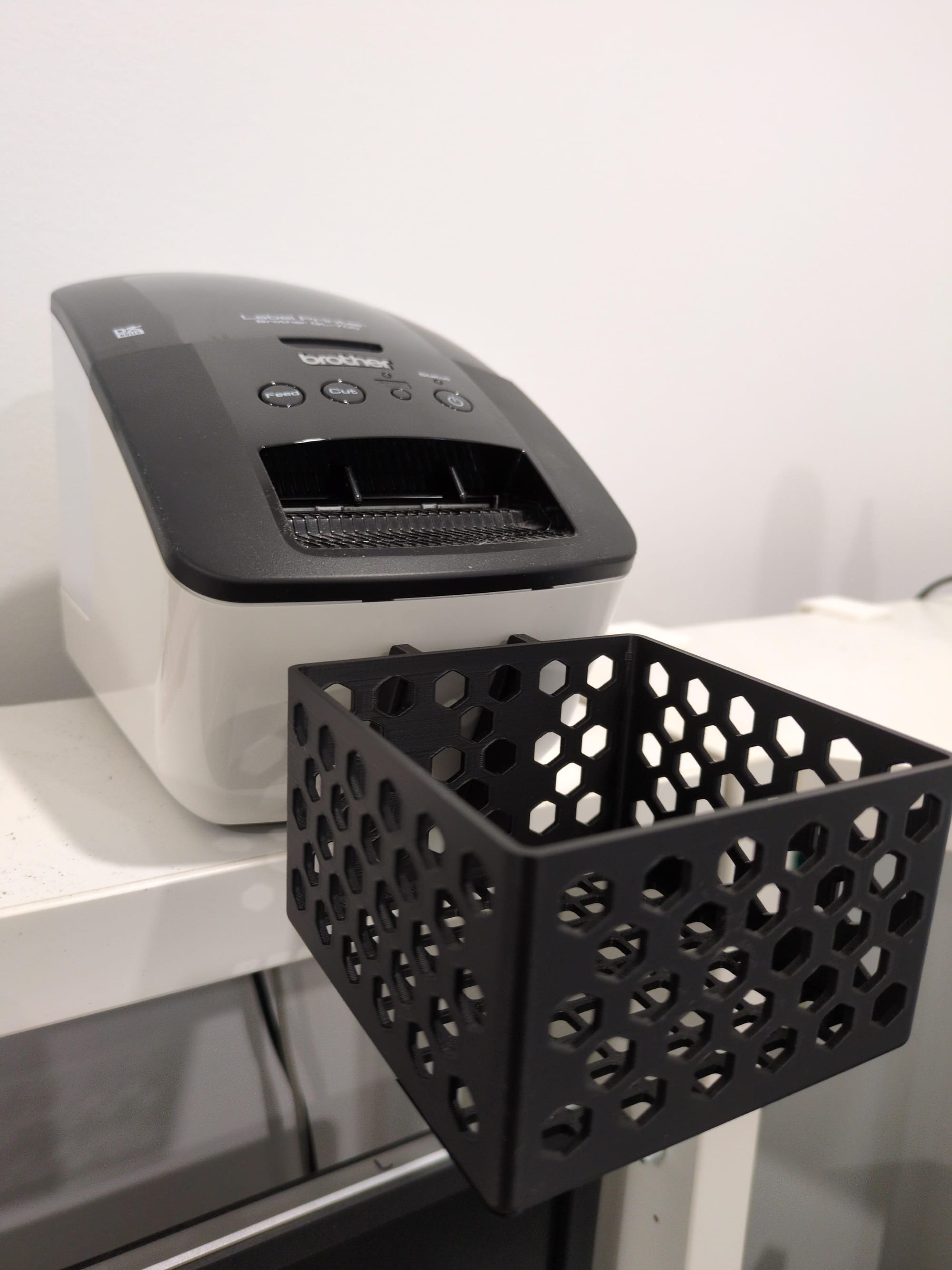
- Label printer basket for QL-700
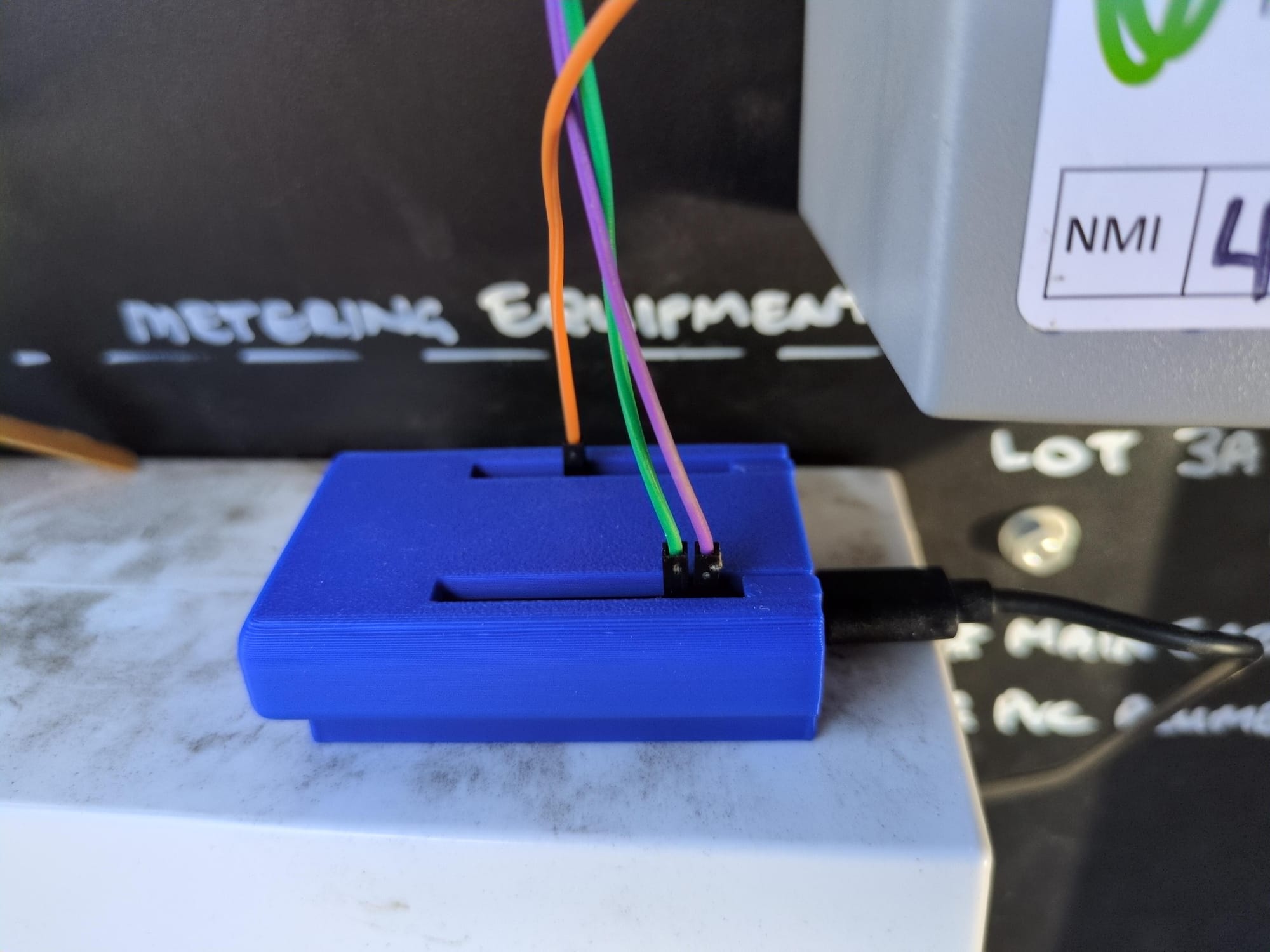
- ESP32 home assistant glow case
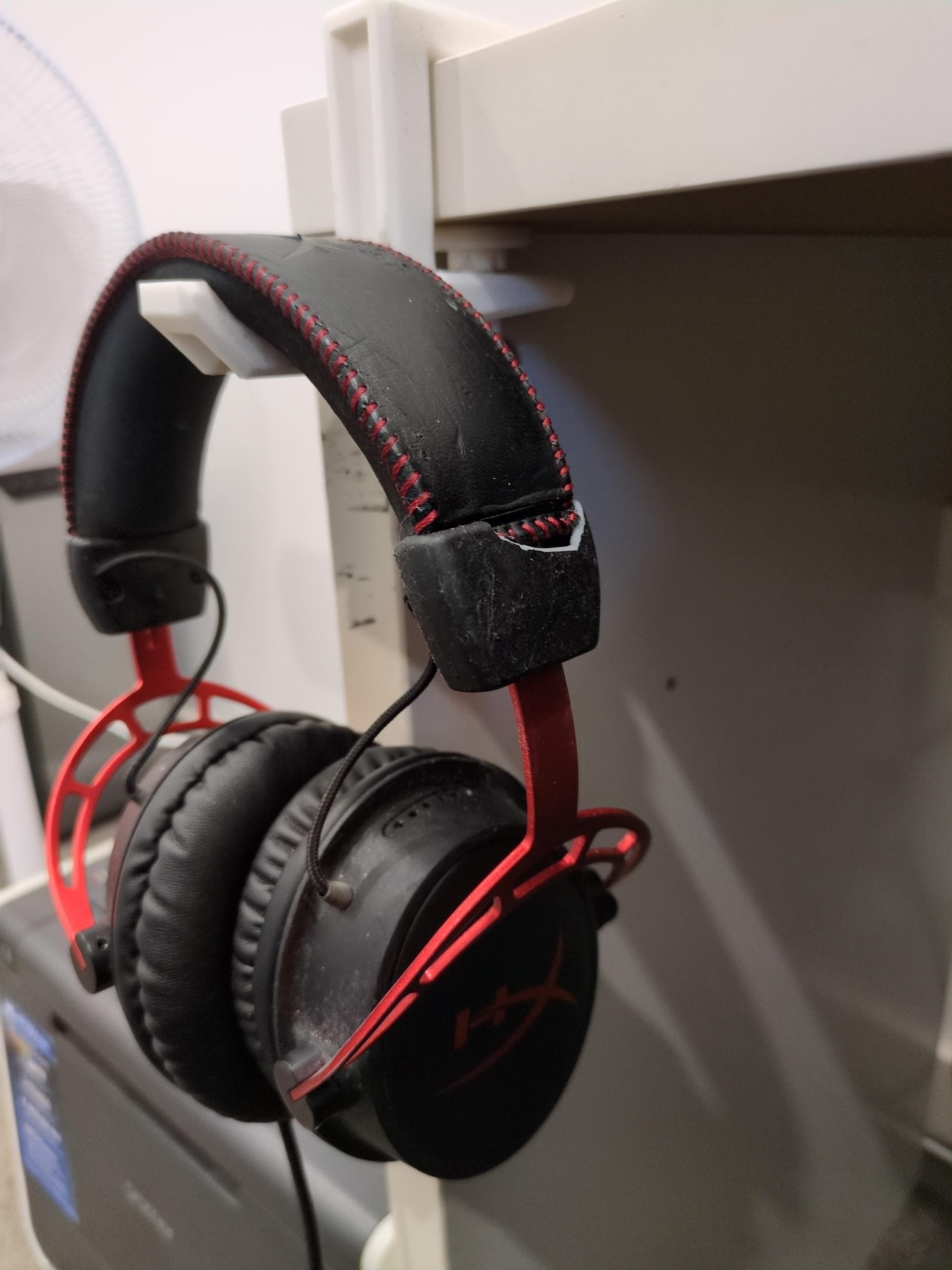
- Headphone holder
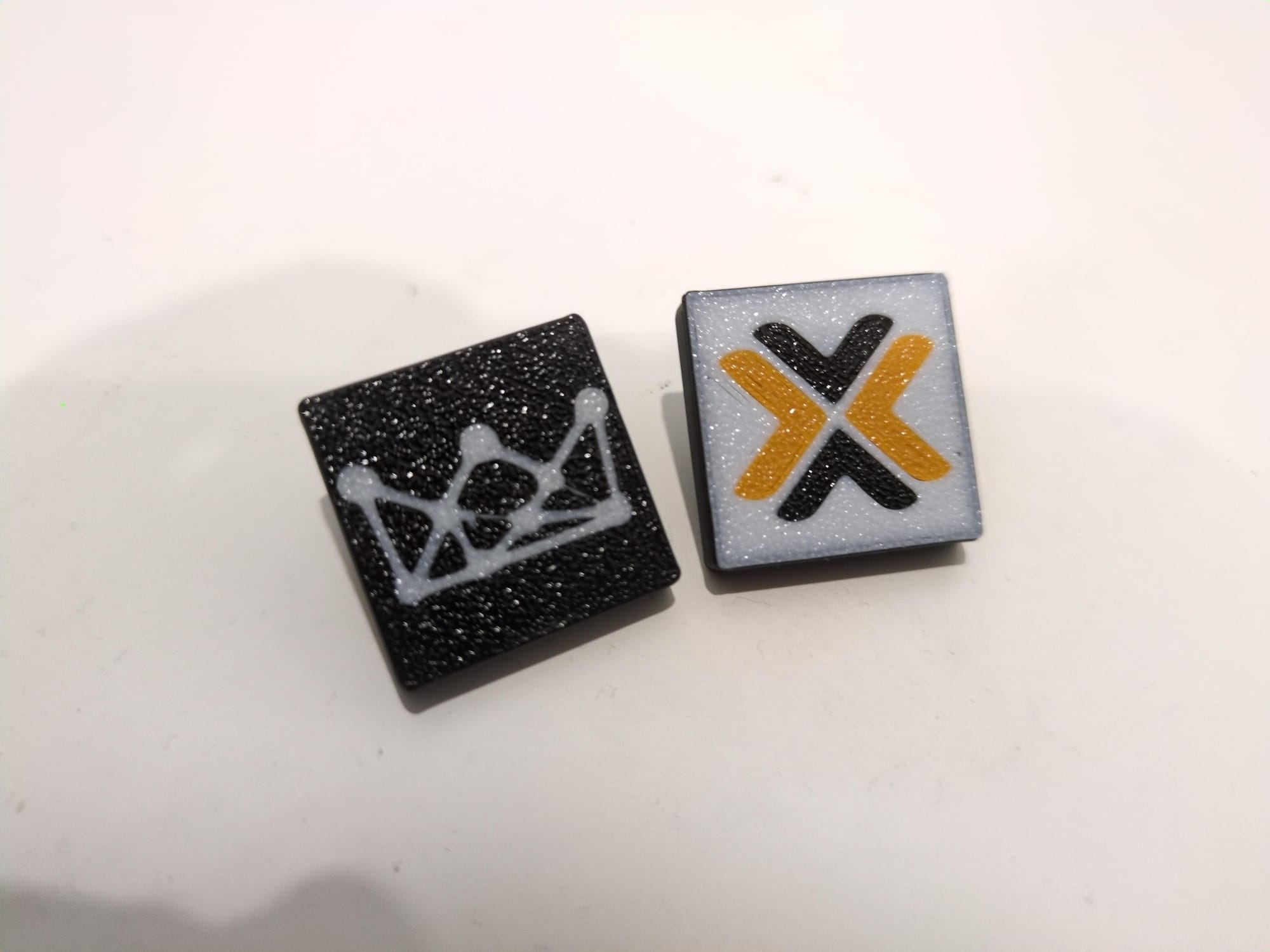
- Proxmox & MoN Optiplex tiles
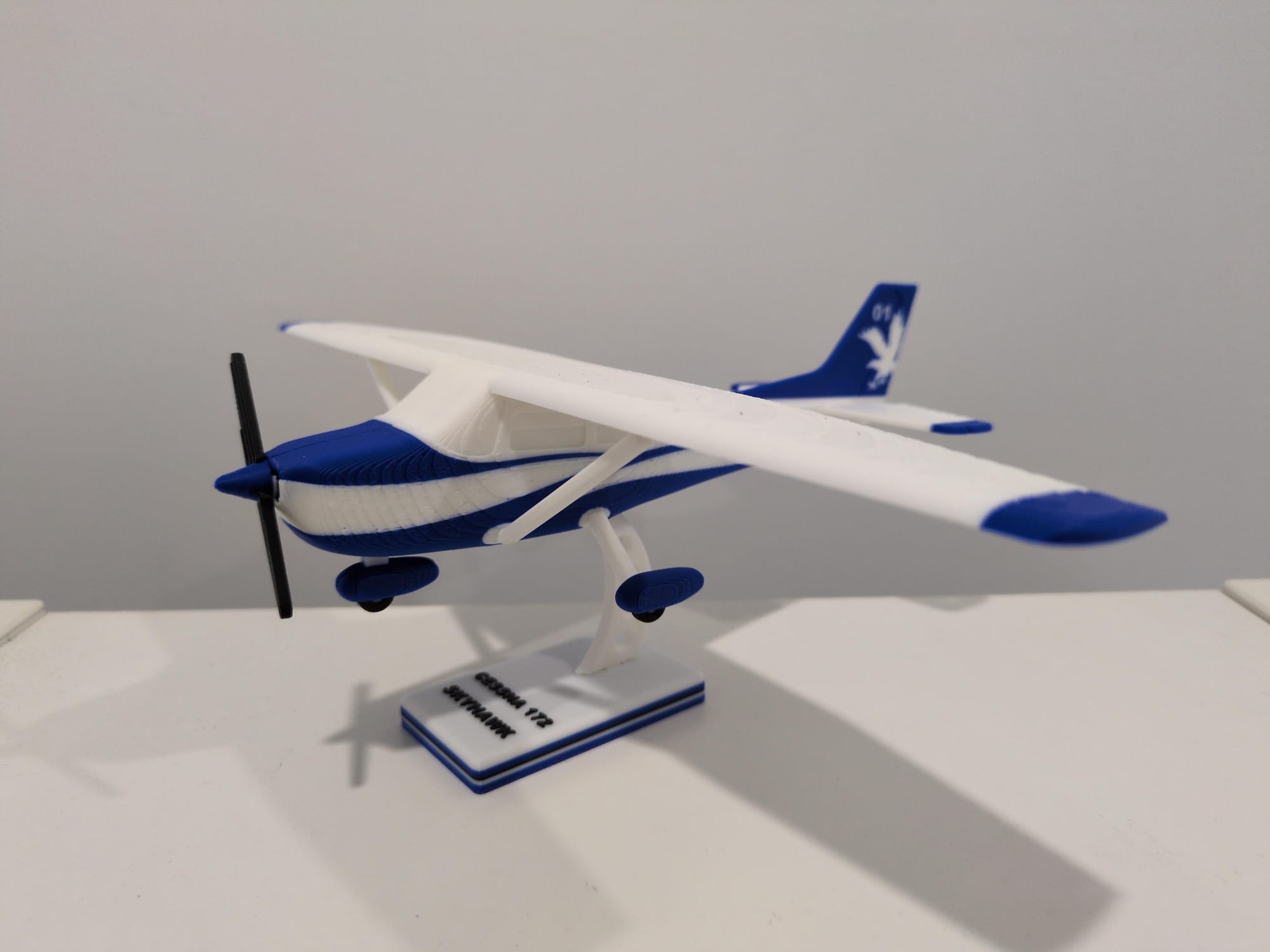
- Cessna 172 Skyhawk model
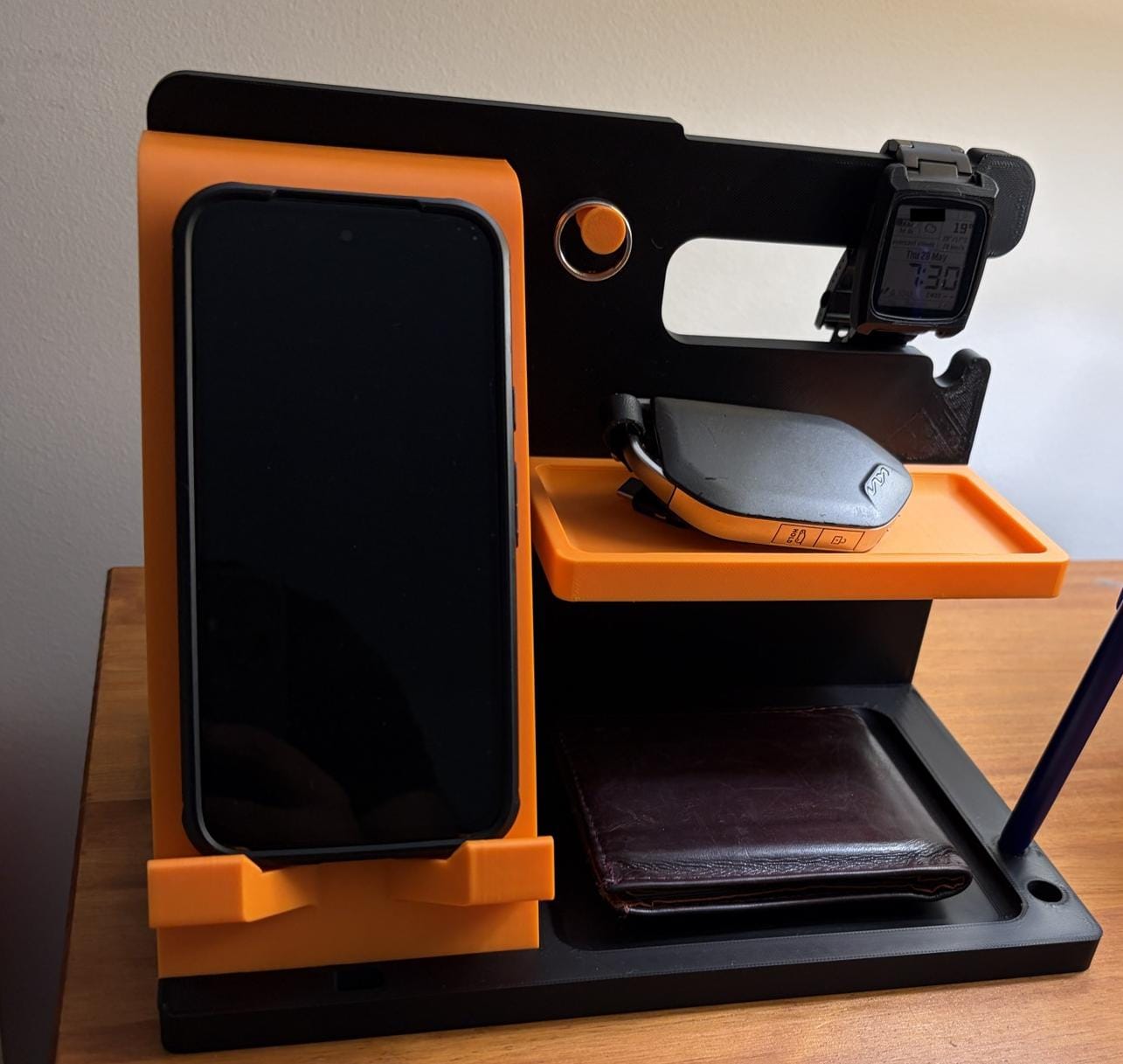
- Bedside organiser
Conclusion
Overall, I'm enjoying the 3D printing experience. It's been great to learn more about this technology. Being able to print parts, peripherals, toys and gadgets - it's such a great tool to have in the home.
There's definitely still more for me to explore: a wider variety of colours, perhaps get another AMS Pro 2, different filament types (I've only been printing with PLA so far), filament management.