Pebble Time 2
My Pebble Time 2 has finally arrived!
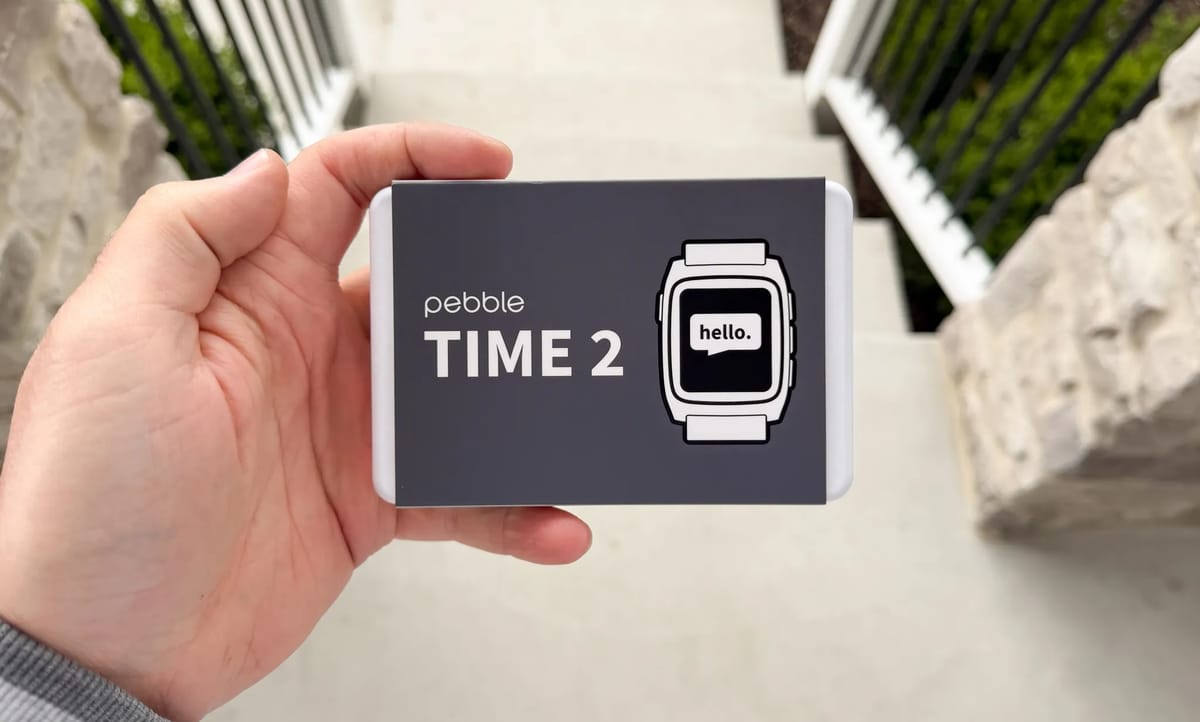
I have received my Pebble Time 2 (PT2) in the mail after pre-ordering it back in March 2025. It's been a long wait, but it is finally here.
First impressions:
- Packaging is minimalist and slick.
- Comes with USB-C charging adaptor. Great to see.
- Putting the straps on was a fairly simple and straightforward process.
- Connectivity from the watch to my Android phone was flawless.
- Button navigation menu is nice, but looking forward to when the touch screen functionality is enabled.
- Great build quality, feels nice on my wrist.
I've never used a Pebble device before. I'm migrating over from a cheap $40 smartwatch I found on eBay. The PT2 is a huge upgrade in terms of features. One of the reasons it stood out for me was its open source development. And wow, it delivers.
Settings
The Pebble mobile app, along with the watch itself has a wide range of customisations and menus to dig into. The watch and the mobile app synchronise very seamlessly. You can download and install watchfaces & apps from the App Store, control your backlight, change your music, set alarms, monitor your heart rate and steps. The watch is incredibly feature rich and useful.
Watch faces
There are so many watchfaces to choose from, and I'm discovering more on the store every day. I'm building a catalog of watchfaces that I like. Many have not been optimised for the PT2 yet, but development is happening rapidly. I gravitate towards faces that are professional and information rich. Below are the ones I'm paying attention to right now.
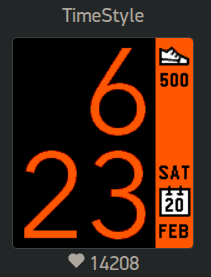
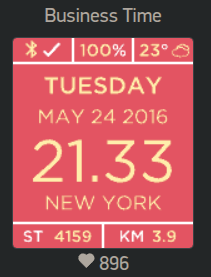
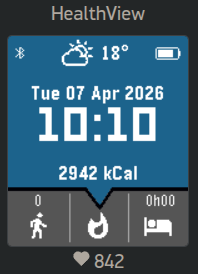
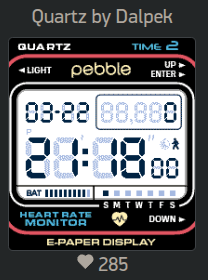
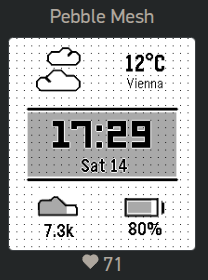
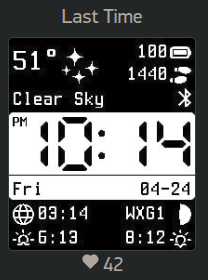
A selection of my favourite watchfaces so far.
App Store
The Pebble App Store is loaded with amazing apps. There are plenty of games on the store, but I'm all about tools, utilities and information. Here are my favourites.
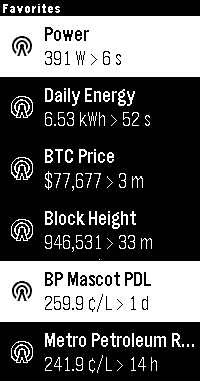
Home Assistant WS
Home Assistant WS connects to your home assistant and allows you to toggle devices in your home as well as display information. I've been able to display all sorts of useful information directly to my wrist:
- My home power consumption and daily energy reading
- Live bitcoin price & block height
- Price of petrol at my local service stations
Treble
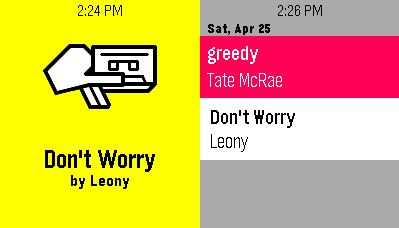
Treble uses your phone's microphone and Shazam's API to listen out for music and give you what's being played. There's a companion app that goes with it. Incredibly helpful when there's a song on the radio that I don't know the name of. I don't have to use my phone, just start listening out using my watch. Just incredible.
LibreHealth
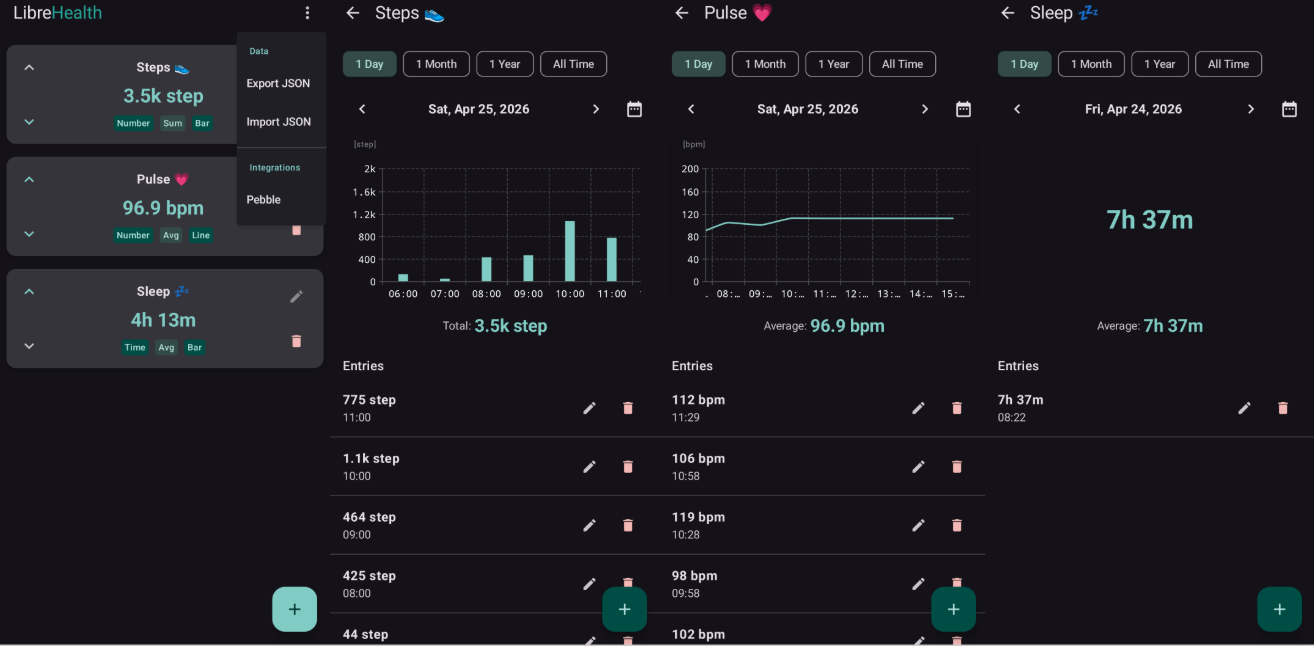
LibreHealth sends health related data (steps, pulse, sleep) collected by your Pebble watch every hour to its companion mobile phone app called LibreHealth. From there, you can export/import this information to json file. Both the pebble app and phone app are open source and hosted on GitHub. Your health data does not get uploaded to any servers and is always kept with you. Very impressive.
Flights
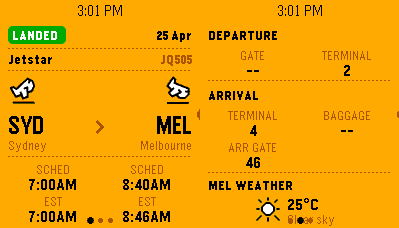
Flights app is rather useful when travelling. Input your flight number and get all the details. Here's a Jetstar flight from Sydney to Melbourne. Gives you the weather at destination. Pretty handy to have all on your wrist.
Kagi News
Kagi News keeps you up to date on a range of topics you can choose from. Data is refreshed at 10pm every night, ready for your morning brew. Here are the ones I'm interested in and a sample of news provided.
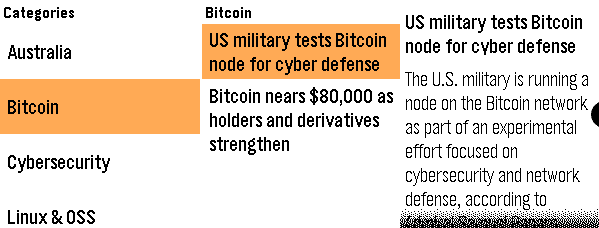
Update: it appears Kagi News has been pulled off the App Store - hopefully it returns.
Others
Other apps I have installed:
- Torch - makes the screen white, but only to the brightness you've set. It does not increase brightness.
- Compass - for getting some direction!
- Time Traveler - a nice graphical way of showing the time across different cities.
- Muninn - Battery Wisdom - gives information and estimates on your battery.
- Timer - self explanatory
- Stopwatch - self explanatory
- Find My Phone - use the pebble watch to ping my phone, phone starts beeping. Quite handy.
Battery life
The battery life is still being optimised by the Pebble team, but the latest version of firmware is reducing battery drain significantly. I'm a pretty heavy user so I expect a fair bit of drain. It's too early to tell what the exact experience will be. I do think it will last 20-30 days as advertised by the Pebble team.
Conclusion
I'm very impressed with the Pebble so far. The app store is incredible and developers haven't even scratched the surface of what can be built on this platform, especially with AI vibe coding in the mix. The watch just seamlessly integrates in with my life. There are some rough around the edges hiccups but I suspect this will dissipate and stabilise as more development occurs. It's all very exciting.